
Verify the source
Confirm the domain and publisher. Avoid installers linked from unsolicited messages or suspicious advertisements.
Read the guide ↗Understand local keys, offline backups and transaction checks. Follow a practical path from creating a wallet to reviewing assets across networks.
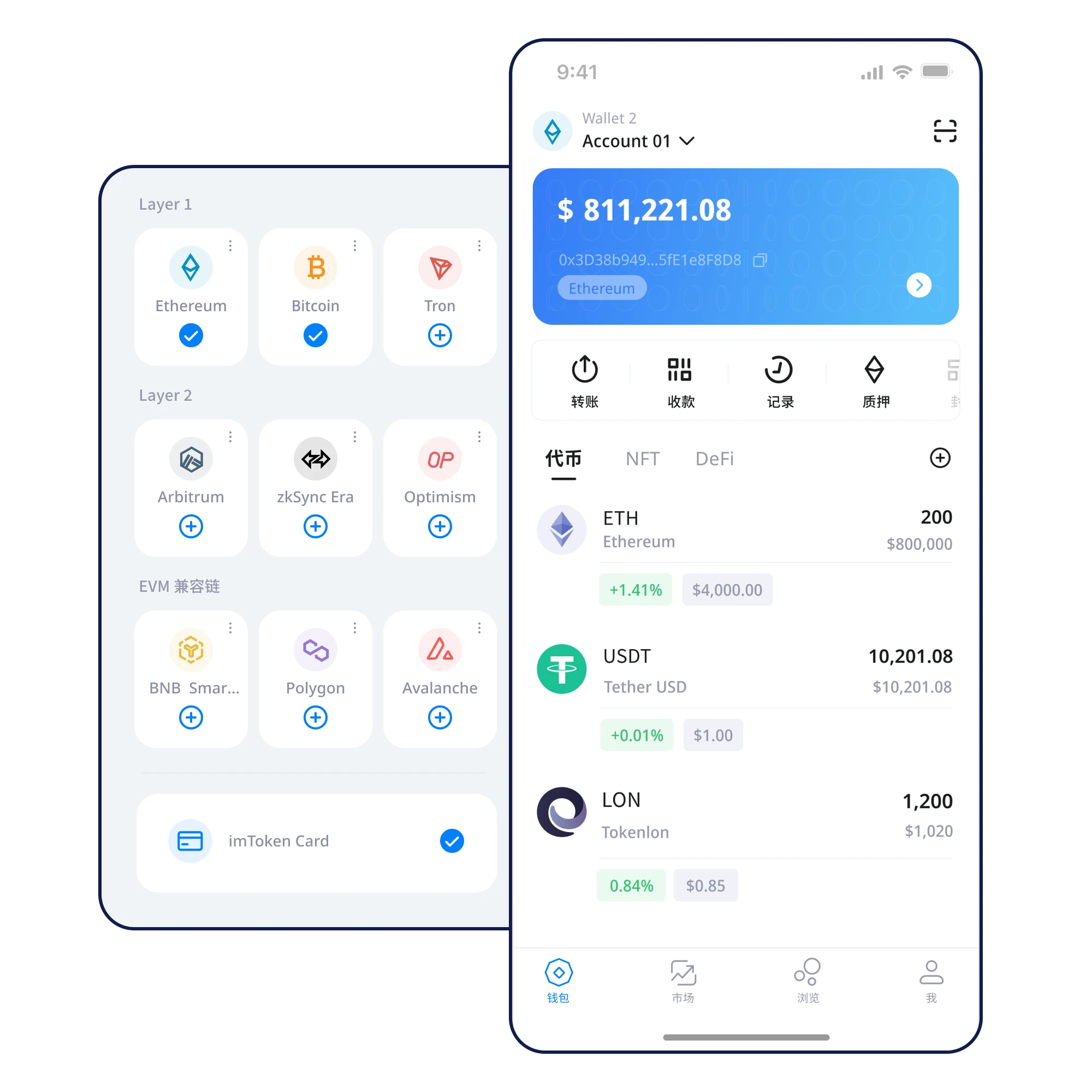
Illustrative balances only — not real users or live market data.
Total assets · Preview
A token label is not enough. Check its network and receiving requirements before using an address.
Learn asset management →Confirm the domain and publisher. Avoid installers linked from unsolicited messages or suspicious advertisements.
Read the guide ↗Set up on a trusted device. Never submit your recovery phrase to a website claiming to import your wallet.
Read the guide ↗Write it down offline and privately, in the correct order. Do not photograph, upload or share it.
Read the guide ↗Verify word order and legibility, and use a storage method that protects against both loss and exposure.
Read the guide ↗Match token, blockchain and receiving network. Similar asset symbols can refer to incompatible networks.
Read the guide ↗Double-check address, network, amount and fees. Consider a small test transfer where appropriate.
Read the guide ↗Local key management places credential handling closer to you; device integrity and backup habits remain essential.
Recover in a trusted environment, then check accounts, networks and expected addresses before making new transactions.
Build a repeatable review of address, network, amount, fee and test transfer before approving an irreversible transaction.
Keep recovery credentials private
Review network, address and amount
Create backups before they are needed
Short, linked explanations help you move from uncertainty to a safer next action.
Check the app source and device first, understand creation versus import, and verify your backup before receiving any assets.
↗Token names alone do not identify networks. Learn how network labels and contract details help organize an asset overview.
↗Build a repeatable review of address, network, amount, fee and test transfer before approving an irreversible transaction.
↗Device changes require a verified backup, a trusted installation, address comparison and careful handling of the old device.
↗Phishing can appear as fake downloads, support messages or urgent signing prompts. Use source and permission checks before acting.
↗Learn to record, verify and store your recovery phrase privately while avoiding screenshots, cloud syncing and unexpected disclosure.
Impersonation, wrong networks and leaked phrases can cause irreversible losses.
Phishing prevention →Verify the software source and protect your recovery phrase before getting started.
↓ Download NowDesktop download is currently under maintenance.